
How to Connect FreeStyle Libre 3 to Apple Watch: The Complete Guide
How to connect freestyle libre 3 to apple watch is the very first thing most people type into Google after slapping that new sensor on their arm. And it makes complete sense. Managing diabetes is an exhausting, around-the-clock job. You are tired of digging your phone out of your pocket during a meeting, while driving, or right in the middle of a quiet family dinner just to check your blood sugar.
Having your medical data instantly accessible matters. A quick glance at your wrist buys you time. It gives you the chance to catch a dropping number before it becomes a dangerous low, or correct a spike before it ruins your afternoon. For parents monitoring a child at school, that smartwatch complication is pure peace of mind. If you are just setting up your equipment for the first time, you should read our Freestyle Libre Sensor: Your Complete Guide to Continuous Glucose Monitoring to fully understand all of its core features. But right now, out of the box, Abbott’s native app just doesn’t put that continuous graph on your Apple Watch.
Here is the good news: you do not have to wait for an official update. You can create a bridge between your sensor and your smartwatch right now. By using a clever workaround with Abbott’s cloud service and a few trusted third-party apps, you can push your live glucose numbers straight to your watch face. Let’s walk through exactly how to set this up.
The Secret: Cloud Sharing Gets Your Numbers on Your Wrist
If you want your blood sugar readings on your smartwatch right this minute, the trick is bypassing direct Bluetooth. The native FreeStyle app only sends critical high and low alarms to your Apple Watch. It refuses to send the actual, continuous numbers.
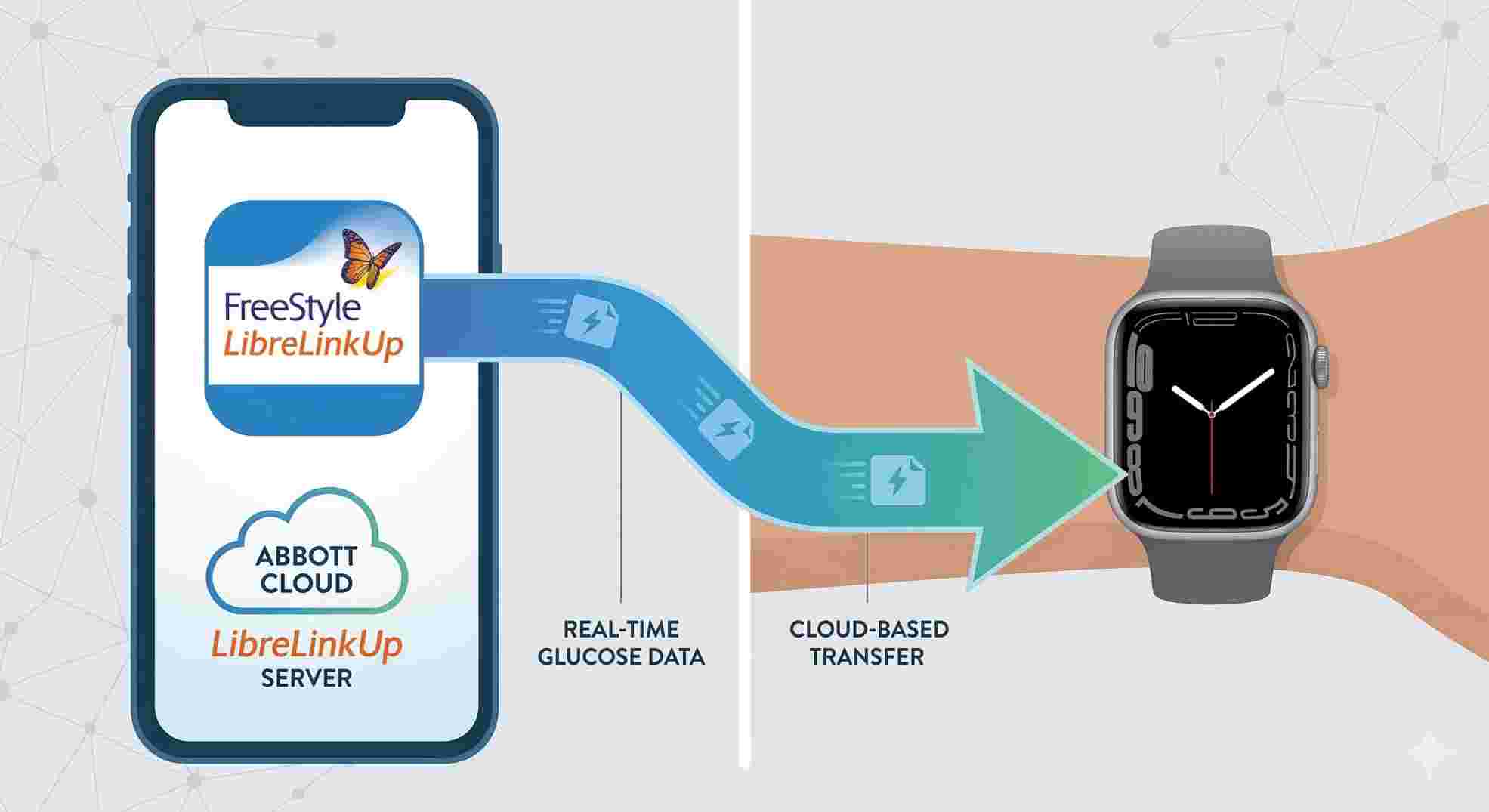
To fix this, we use third-party apps like Gluroo or Sweet Dreams. These apps do the heavy lifting by pulling your real-time data from Abbott’s LibreLinkUp cloud service and pushing it directly to your watch face. You just download one of these apps, log in with your LibreLinkUp details, and your watch updates continuously. It takes about five minutes.
 Does Libre 3 Work With Apple Watch Out of the Box?
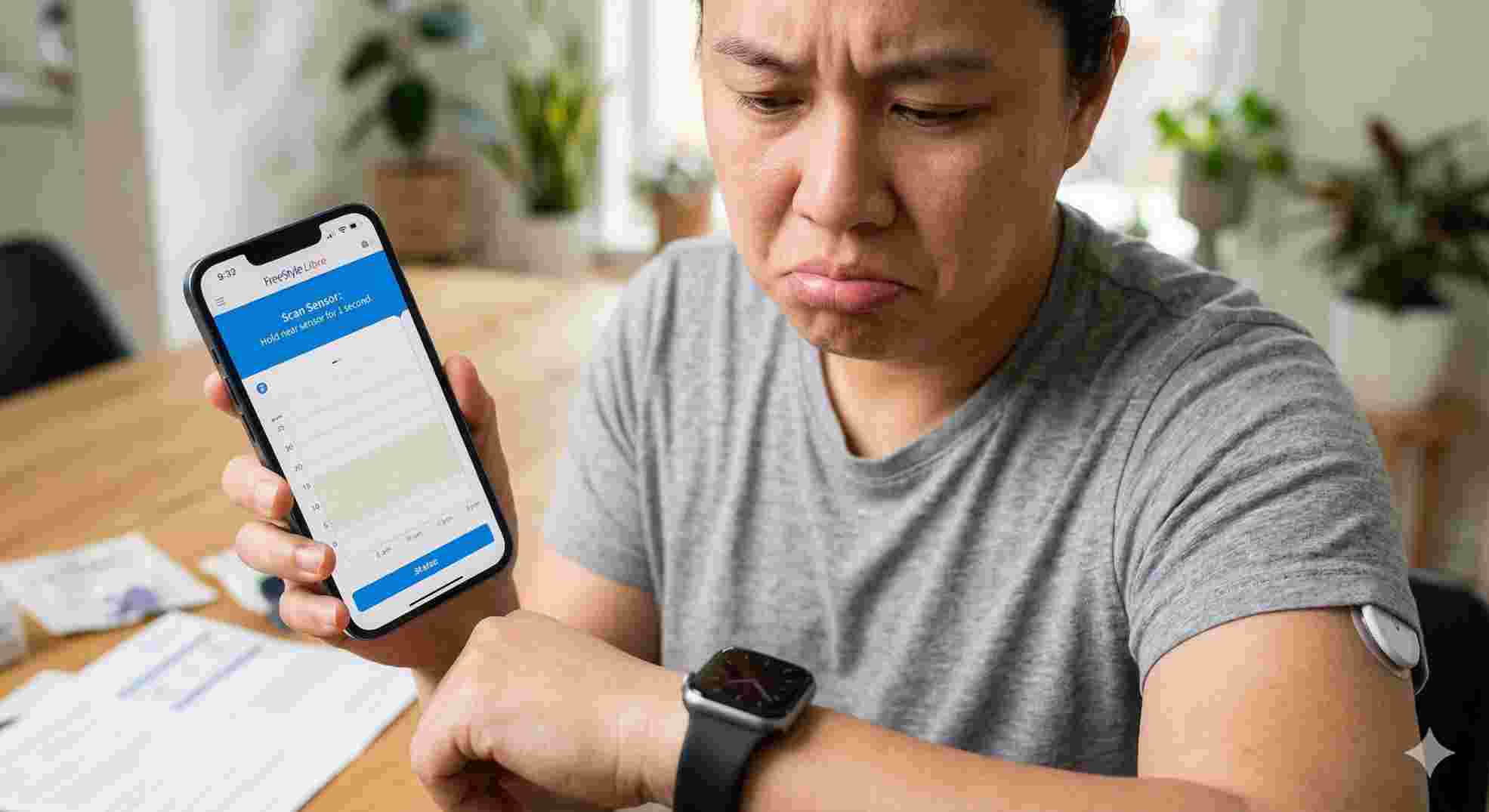
No. That is the frustrating reality for new users asking, “does libre 3 work with apple watch?”
Right now, the official iOS app communicates via Bluetooth exclusively with your iPhone. The companion watch app Abbott provides is incredibly limited. It will buzz your wrist if you cross your high or low thresholds, but when you look down, you won’t see your number. You still have to pull out your iPhone to see what is actually happening.
For people relying on this equipment to calculate insulin doses, a simple alarm is not enough. While we hope Abbott eventually releases a dedicated, full-featured Apple Watch app, you need a practical fix today. You can check the official Abbott compatibility guide for any future updates, but for now, the third-party route is your best option.
 How to Connect FreeStyle Libre 3 to Apple Watch
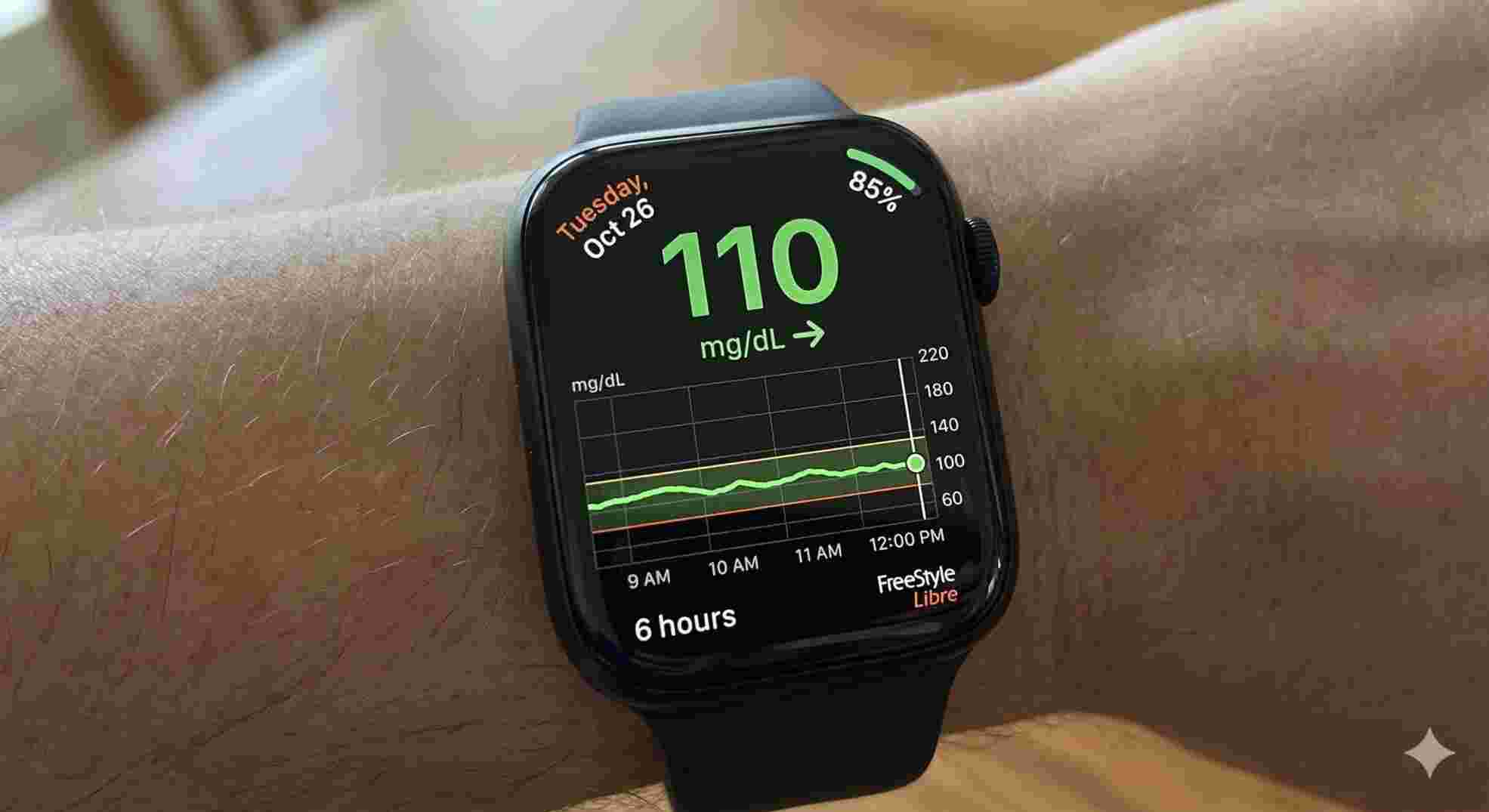
You need a digital relay to move data from your arm to your phone, up to the cloud, and back down to your wrist. Follow these exact steps on how to connect freestyle libre 3 to apple watch.
Step 1: Prep Your iPhone
Your sensor must be active and paired with the main FreeStyle Libre 3 app on your phone. Keep your Bluetooth turned on. Make sure you allow the app to refresh in the background in your iPhone settings. Your phone is the anchor; if it loses the sensor, your watch goes blank.
Step 2: Set Up LibreLinkUp
This is the most critical step. LibreLinkUp is Abbott’s app for caregivers, but you are going to use it for yourself.
Go to the App Store and download LibreLinkUp.
Create an account with a fresh email address.
Open your main FreeStyle app, tap the menu, hit “Connected Apps,” and select LibreLinkUp.
Send an invite to the exact email address you just used to make your new account.
Now your numbers are streaming to the cloud.
Step 3: Pick Your Third-Party App
Now you need an app to pull that cloud data onto your wrist. Download a bridging app from the App Store. Gluroo and Sweet Dreams are two of the most reliable choices right now. Open your chosen app, select “Add Data Source,” pick LibreLinkUp, and enter your login info.
Step 4: Add the Watch Complication
Grab your iPhone and open the native Apple “Watch” app.
Tap “Face Gallery” at the bottom.
Pick a face that supports large text slots, like Modular or Infograph.
Tap the complication slot where you want your glucose to sit.
Scroll until you find the third-party app you just downloaded and select it.
Tap “Set as current Watch Face.”
That is it. You just mastered how to connect freestyle libre 3 to apple watch. Wait a few minutes for the servers to sync, and your numbers will appear.
| Bridging App | Setup Speed | Watch Interface Quality | Top Benefit |
|---|---|---|---|
| Gluroo | Very Fast | Excellent, highly visible | Allows multiple family members to view data |
| Sweet Dreams | Fast | Good, minimal design | Features lock screen Live Activities for iPhone |
| GlucoWatch | Moderate | Very Good, shows trend arrows | Built specifically for Apple Watch users |
Setting Up Libre 3 Plus Apple Watch Features
Abbott recently rolled out the Libre 3 Plus. It gives you 15 days of wear instead of 14, and the Bluetooth connection is slightly stronger. If you just got upgraded, you are probably wondering if the libre 3 plus apple watch setup is completely different.
It is not. The process is identical. Because the Plus sensor still routes data through the exact same Abbott smartphone app and up into the LibreLinkUp cloud, your third-party bridging apps will not even notice the difference. Your watch will keep displaying your blood sugar without missing a beat, provided your iPhone maintains a cellular or Wi-Fi connection.
 Is FreeStyle Libre 3 Accurate Enough to Trust?
You cannot safely dose insulin based on a bad number. A major concern for anyone transitioning to this technology is: is freestyle libre 3 accurate?
Yes, it is highly accurate. In clinical terms, it boasts an excellent Mean Absolute Relative Difference (MARD) score, making it one of the most reliable continuous monitors on the market today. You can read the clinical data directly from the American Diabetes Association. However, real life is messier than a lab. Certain daily habits can throw off your readings.
The Threat of Compression Lows
If you sleep on your side and lay heavily on your arm, you squeeze the fluid away from the sensor’s tiny filament. Your watch will suddenly blast a 54 mg/dL alarm at 3:00 AM. This is a false low. If you flip over, the number will correct itself in about fifteen minutes. Always double-check a sudden, unexpected low with a traditional finger prick before stuffing your face with glucose tabs.
Placement and Skin Issues
The sensor is designed specifically for the back of your upper arm. If you stick it on your stomach or your thigh, it will not read correctly because the fat and muscle density is different.
Supplements Check
High doses of Vitamin C can mess with the sensor chemistry, causing your numbers to read falsely high. Always tell your endocrinologist about any over-the-counter supplements you take.
| Interference Factor | What It Does | The Quick Fix |
|---|---|---|
| Sleeping on Arm | Triggers false low warnings | Roll over and wait 15 mins; test with finger prick |
| Vitamin C Supplements | Creates falsely high readings | Check blood manually before injecting insulin |
| Incorrect Placement | Erratic, jumping numbers | Only apply to the fleshy back of the upper arm |
 Dealing With Medical Billing and Insurance
Figuring out how to pay for these supplies is almost as annoying as setting up the tech.
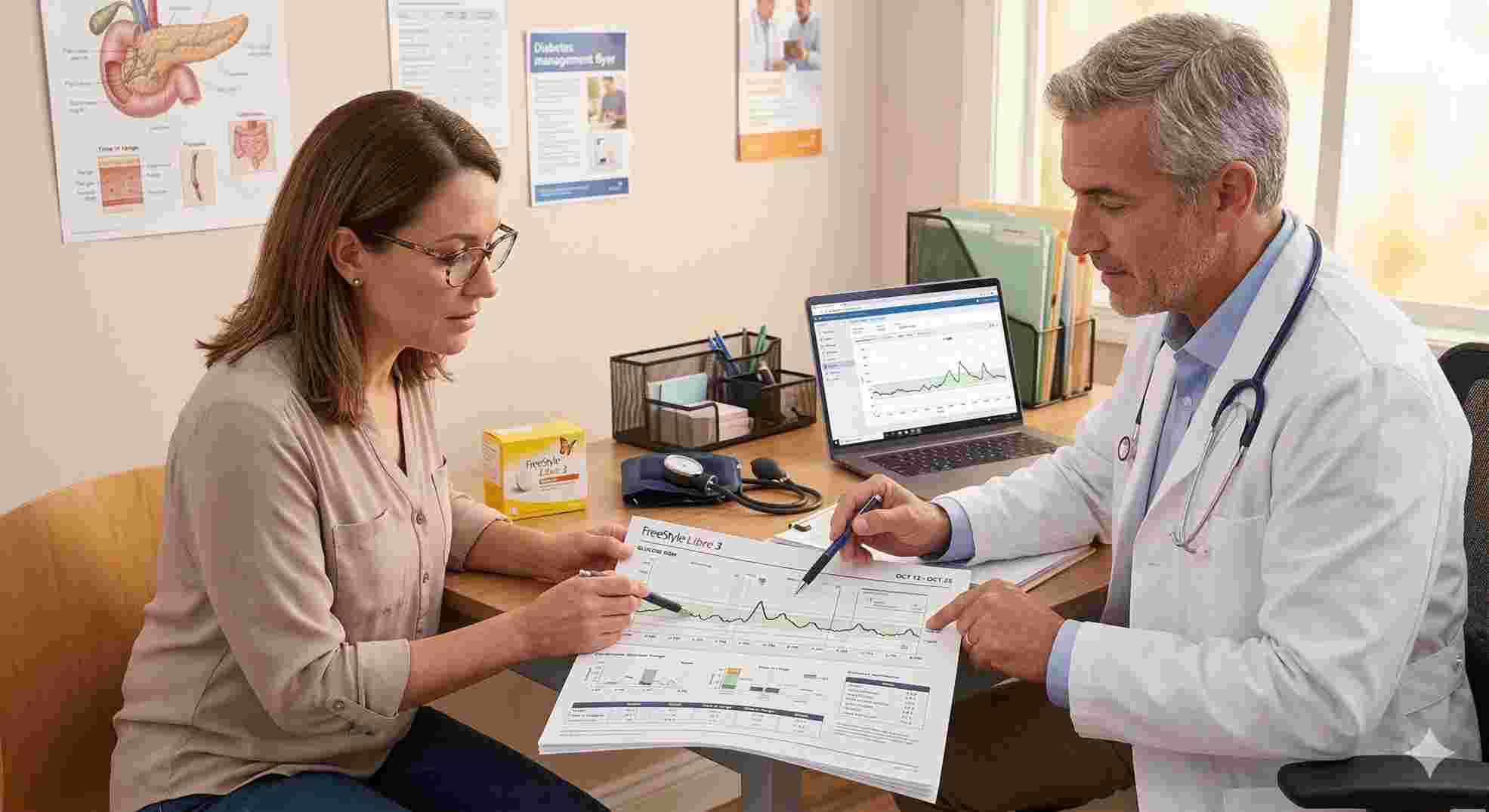
If you have Medicare Part B, you are largely in luck. Medicare covers these sensors as Durable Medical Equipment if you use insulin or have a documented history of severe lows. Your doctor sends a prescription and chart notes to a DME supplier, and the supplier handles billing Medicare directly.
Private insurance is a completely different story. Some plans let you pick up sensors at Walgreens for a $30 copay. Other plans force you to use a dedicated mail-order medical supplier. Keep in mind, no insurance company on earth will pay for your Apple Watch. They only cover the sensor and sometimes the dedicated Abbott reader device.
| Coverage Type | The Benefit | The Catch |
|---|---|---|
| Medicare Part B | Pays 80% of approved amount | Requires strict doctor chart notes and compliance |
| Private Pharmacy Benefits | Easy pickup at local pharmacy | Usually requires lengthy prior authorizations |
| Cash / Out of Pocket | Zero paperwork delays | Costs well over $130 per month |
Taking Back Control of Your Time
You already spend enough of your mental energy managing prescriptions, counting carbs, and dealing with insurance companies. Getting your tech to work seamlessly shouldn’t feel like a second job.
Setting up this cloud workaround gives you back a small but vital piece of your freedom. No more digging in pockets or interrupting your day just to see a number. You finally have a hands-free setup that works for you, rather than against you. By taking ten minutes to follow this guide, you have fully mastered how to connect freestyle libre 3 to apple watch, putting your health data right where you need it, exactly when you need it.
Stop Guessing Your Blood Sugar Numbers
Waking up with sore fingertips and panicking because you forgot your test strips at home is exhausting. Managing diabetes is stressful enough without the constant anxiety of not knowing where your glucose levels are actually heading.
There is a much easier way. By switching to modern continuous glucose monitoring, you replace painful routine finger sticks with a tiny, painless sensor. You get an instant, continuous stream of data sent straight to your smartphone—and directly to your Apple Watch.
Step into effective Continuous Glucose Management and take your freedom back. Secure your extended wear 15-day sensor today and experience true peace of mind with your health.
Hot

Hot
Hot
Hot
Does running these bridge apps kill my phone battery?
Yes, pulling constant data from the cloud drains your iPhone and watch battery faster. Charge your devices every single night, and close apps you aren’t using.
Can I leave my iPhone at home and just use my watch?
No. The sensor talks to your phone via Bluetooth. Your phone talks to the cloud. The cloud talks to your watch. If you leave your phone at home, the chain breaks and your watch goes blank.
Will my watch still beep if I go low without a third-party app?
Yes. The official native app sends push notifications to your Apple Watch for critical alarms. You will hear the beep, you just won’t see the exact number on the screen.
How tight does the watch band need to be?
It does not matter. The watch is just acting as a tiny computer monitor displaying data from your arm. It is not reading your blood through your wrist.
Why did my watch suddenly stop showing numbers?
Usually, this happens because Abbott is doing maintenance on the LibreLinkUp servers. When their cloud goes down, your third-party app loses the feed. Just check your phone app until the servers come back up.



Write a comment
Your email address will not be published. All fields are required