
It’s 11:30 PM on a Tuesday. You are just about to fall asleep when your phone makes that specific, nagging buzz. It isn’t a low sugar alarm. It’s the “Sensor Ends in 2 Hours” notification. You check your supply drawer and realize you forgot to pick up the refill.
That countdown clock doesn’t care if it’s a convenient time. Unlike the old test strips that sat in a bottle until you needed them, Continuous Glucose Monitors (CGMs) have a strict expiration date that starts ticking the second you scan them.
If you’re trying to figure out how long are FreeStyle Libre 3 sensors good for, the answer on the box is simple, but the reality is a bit messier. You have a hard digital stop, a shelf-life date, and a newer model that completely changes the math.
Here is exactly what you need to know to avoid that late-night panic.
Quick Look: The Cheat Sheet
| Feature | FreeStyle Libre 3 | FreeStyle Libre 3 Plus |
|---|---|---|
| Max Wear Time | 14 Days (Hard Stop) | 15 Days (Hard Stop) |
| Warm-Up Time | 60 Minutes | 60 Minutes |
| Age Approval | 4 Years + | 2 Years + |
| Pump Connection | No (Standalone) | Yes (AID Compatible) |
The Short Answer: 14 Days (Usually)
For most people, FreeStyle Libre 3 sensors are good for exactly 14 days.
This isn’t a suggestion. It’s a hardwired kill switch. Once you activate the sensor with your phone, a 336-hour timer begins. When that time is up, the sensor shuts off. It stops sending data immediately. You can’t restart it, and there’s no “hack” to squeeze an extra few hours out of it. The enzyme on the little filament under your skin is only designed to stay accurate for that specific window.
But there is a reason you might be seeing “15 days” floating around online.
Why the “Plus” Model Exists (It’s Not Just About Data)
You might have seen the FreeStyle Libre 3 Plus and thought, “Who cares about one extra day?”
Actually, you should. It’s not really about getting 24 more hours of glucose readings. It’s about fighting with your insurance company.
- Standard Libre 3 (14 days): Two sensors last 28 days. That leaves you 2 or 3 days short of a full month. Eventually, you run into a “prescription gap” where you can’t refill yet, but you’re out of sensors.
- Libre 3 Plus (15 days): Two sensors last 30 days.
This lines up perfectly with how pharmacies bill monthly prescriptions. If you are tired of doing math every time you go to the pharmacy, switching to the Libre 3 Plus fixes that headache.
Which One Do You Have?
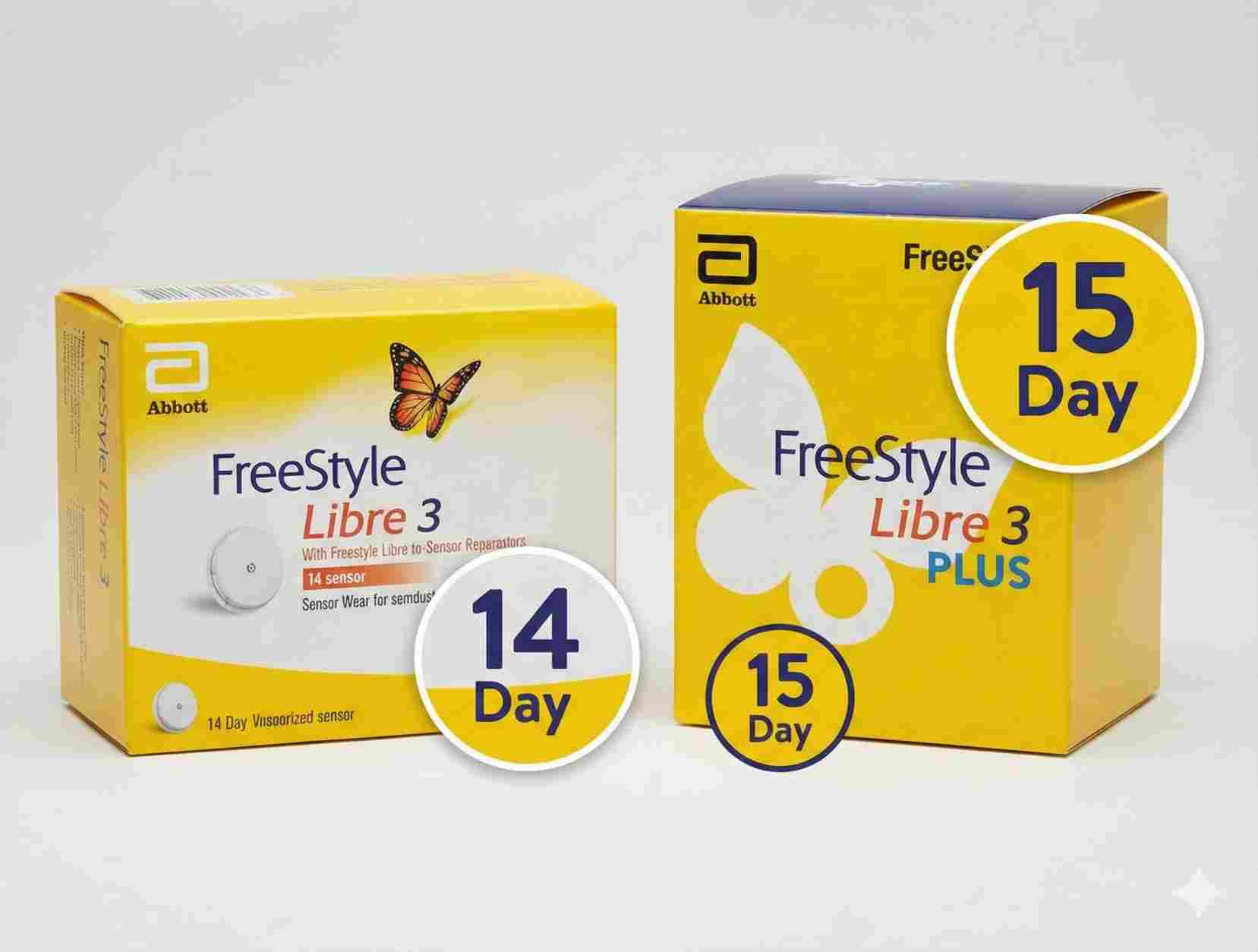
The boxes look almost identical. I’ve seen plenty of people not realize they were switched to the newer version until their sensor didn’t expire when they expected it to. Here is how to tell them apart so you know exactly how long do FreeStyle Libre 3 sensors last.
1. The Standard FreeStyle Libre 3
- Time: 14 Days.
- Who it’s for: Type 2 diabetics not on a pump, or Type 1s who do manual shots.
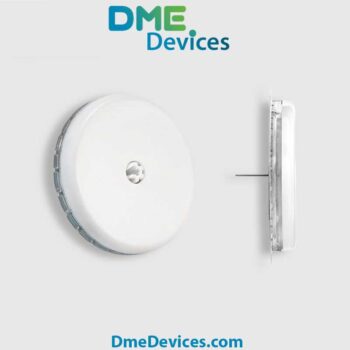
- The big draw: It is currently the smallest CGM you can buy. It’s about the size of two pennies stacked up.
2. The FreeStyle Libre 3 Plus
- Time: 15 Days.
- Who it’s for: People using Automated Insulin Delivery (AID) pumps (like Tandem) or parents of toddlers (it’s approved for ages 2 and up).
- The difference: The sensor chemistry is tweaked to last that extra day without losing accuracy.
Compare the Specs:
| Feature | FreeStyle Libre 3 | FreeStyle Libre 3 Plus |
|---|---|---|
| Wear Duration | 14 Days | 15 Days |
| System Compatibility | Standalone App/Reader | Compatible with AID Pumps |
| Low Blood Sugar Alerts | Yes | Yes |
| MARD (Accuracy) | ~7.9% | ~8.2% |
“Good For” vs. “Expires On”
When you ask how long does a Libre 3 sensor last, you have to separate the wear time from the shelf life.
1. Shelf Life (The Box Date)
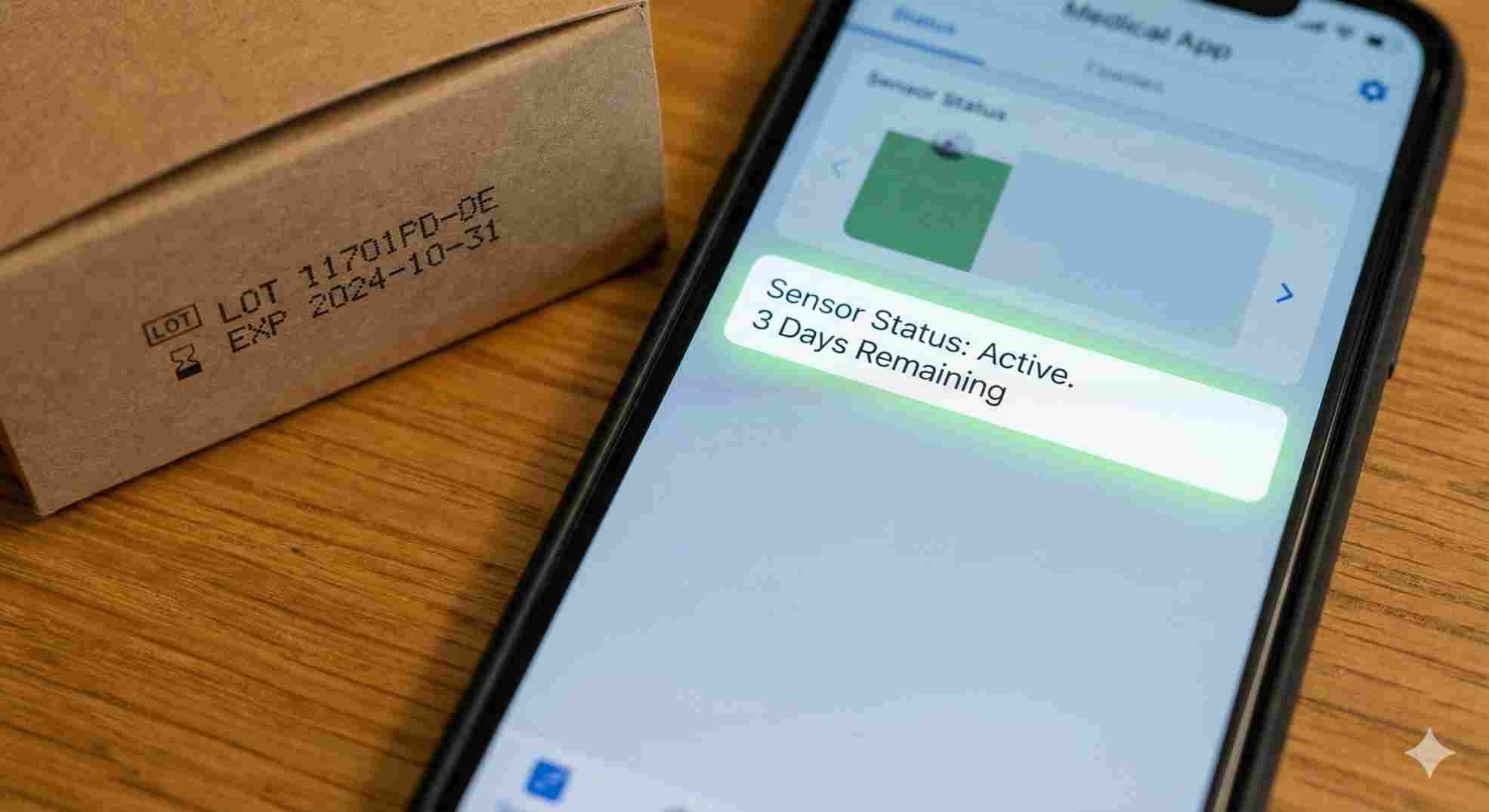
Check the side of your sensor kit. You’ll see an hourglass symbol with a date.
- The Rule: You have to apply the sensor before this date.
- The Reality: If a sensor expires on January 1st, and you stick it on your arm on January 1st, it will still run for the full 14 days. That date just means the sterile packaging and the sensor enzyme are guaranteed to be stable until then.
2. Wear Time (The App Timer)
Once it’s on your arm, the countdown is absolute.
- Warning: Don’t stick a sensor on your arm and wait two days to scan it. The “14-day” digital clock doesn’t start until you scan, but the body’s reaction to the filament starts the moment it pierces your skin. You might get inaccurate readings if you let it “soak” too long before starting it.
Why Sensors Fail Before 14 Days
The tech is good for 14 days. The adhesive? That’s another story. If your sensor falls off on Day 10, it doesn’t matter that the battery had 4 days left.
Here are the main reasons users lose sensors early (and how to stop it).
1. The “Doorframe Effect”
This is the classic enemy of every CGM user. Even though the Libre 3 is small, if you put it on the side of your arm, you will catch it on a doorframe eventually.
- Fix: Put it on the back of your arm (the tricep meat), not the side. It stays out of the way there.
2. The Glue Gave Up
Sweat, hot showers, and body oil eat through the adhesive.
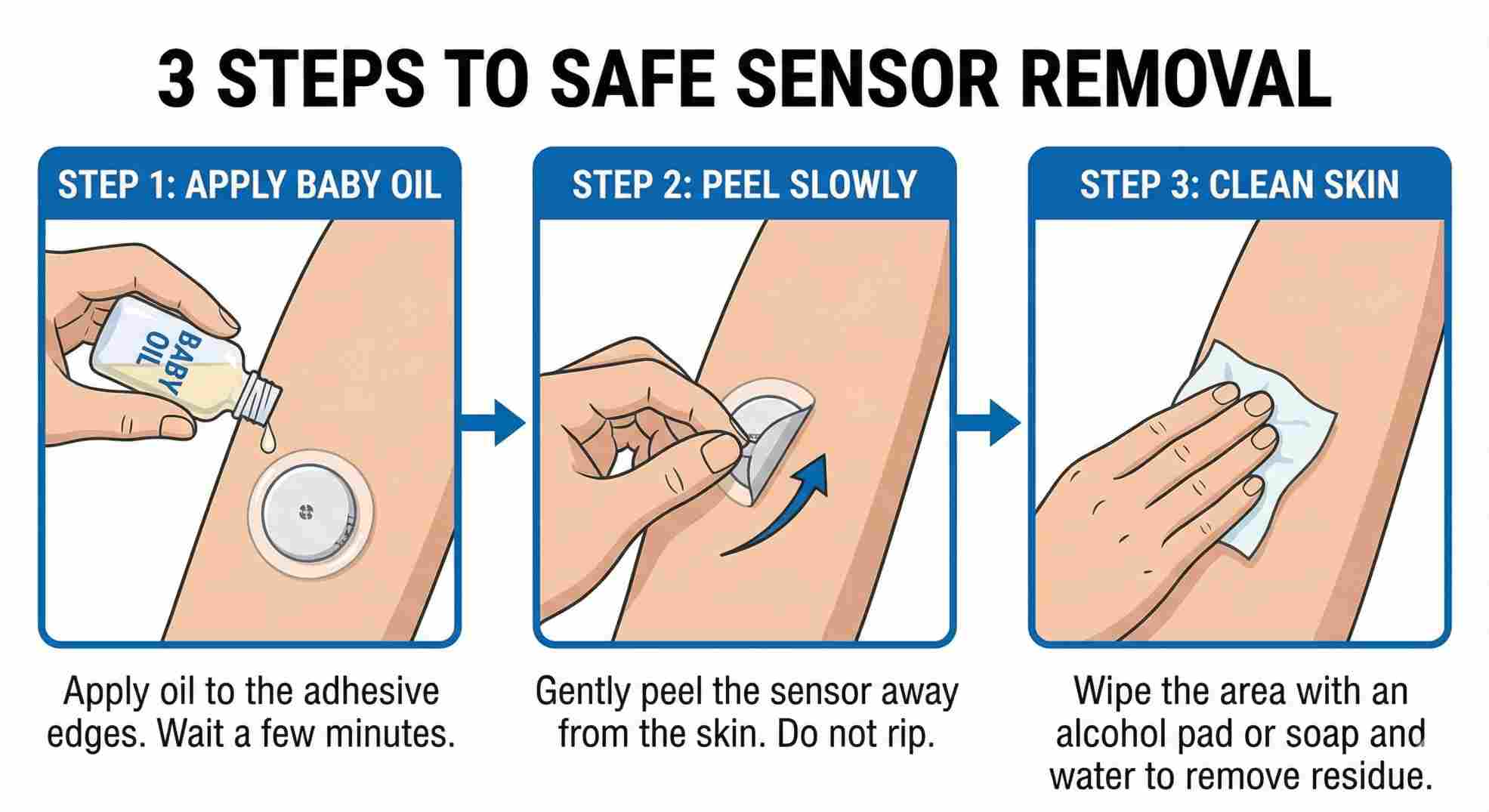
- Fix: Clean your arm with an alcohol wipe and let it dry completely. If you don’t let it dry, the sensor won’t stick. If you have oily skin, buy an “over-patch” (a sticker that goes over the sensor) to hold it down.
3. The “Compression Low” Panic
Sometimes your phone screams at 3 AM that you are critically low, but you feel fine. This usually isn’t a broken sensor. It’s a “compression low.” You rolled over and squished the sensor, pushing the fluid away from the filament.
- Fix: Don’t rip it off. Roll over, wait 20 minutes, and check again. It usually bounces back.
When Should You Change It Early?
You know how often to change FreeStyle Libre 3 sensor (every 14 days), but are there times you should rip it off sooner?
Yes, but only for these three reasons:
- Bleeding that won’t stop: A drop of blood is fine. If blood is filling the center hole of the sensor, the readings probably won’t be accurate.
- Constant Errors: If the app says “Sensor Error: Wait 10 Minutes” for 3 hours straight, the filament might be bent. Call Abbott; they will usually send a replacement.
- Itching/Burning: If it itches more than a mosquito bite, or if it burns, take it off. You might be allergic to the glue. Don’t tough it out—you’ll scar your skin.
The Bottom Line
So, how long are FreeStyle Libre 3 sensors good for?
- Standard model: 14 Days.
- Plus model: 15 Days.
The tech is strict, but life happens. If you want to actually get two full weeks out of these things, focus on where you place them and how well you clean your skin beforehand. And seriously, if the 28-day cycle is messing up your pharmacy refills, ask your doctor to switch you to the Libre 3 Plus. That one extra day saves a lot of headaches.


How many FreeStyle Libre 3 sensors are in a box?
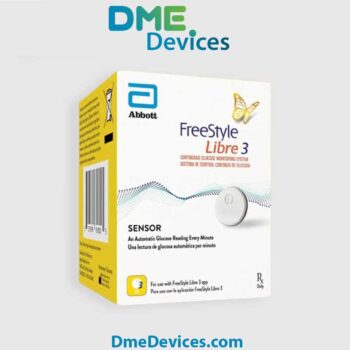
Usually just one. The old Libre 14-day sometimes came in multi-packs, but the Libre 3 and Libre 3 Plus are almost always one sensor per box. A standard month’s supply is two boxes.
Can I restart a FreeStyle Libre 3 sensor after 14 days?
No. Some other brands (like Dexcom G6) had “restart hacks,” but the Libre 3 is locked down. Once it hits zero, it’s done.
Does the Libre 3 Plus cost more?
Usually, no. Abbott priced them about the same to get people to switch. Since the Plus lasts 15 days, you actually buy fewer sensors over the course of a year (24 sensors instead of 26), which can save you money if you are paying cash.
What do I do if it falls off early?
Don’t try to tape it back on. The needle part is sterile and once it’s out, it’s out. Call Abbott customer support. They are actually very good about mailing free replacements for sensors that fall off.
Is the FreeStyle Libre 3 Plus sensor NDC different?
Yes. The FreeStyle Libre 3 Plus sensor NDC is different from the standard one. Your pharmacist can’t just swap them out. You need your doctor to send a new script specifically for the “Plus.”


Write a comment
Your email address will not be published. All fields are required