
Staring at a blank app screen is the absolute last thing you need right now. When your sensor suddenly cuts out, freestyle libre 3 troubleshooting becomes an immediate, frustrating chore. You just want your blood sugar numbers. You don’t want a tech headache.
Managing diabetes takes enough energy as it is. As highlighted by the American Diabetes Association, relying on accurate glucose readings is critical. A broken connection isn’t just a minor annoyance—it actually messes with your insulin doses, your meal plans, and your peace of mind. Having your gear work perfectly is the only thing keeping your day on track. When it fails, the stress hits hard.
The good news? You can fix most sensor and app glitches in minutes. You rarely need to wait on hold with customer support. We are going to walk through the exact steps to get your numbers showing up again. Effective freestyle libre 3 troubleshooting is easier than you think. Let’s get your device working so you can breathe easier.
The 60-Second Bluetooth Reset
Before you rip off that sensor and throw it in the trash, stop. Try this first. Over 70% of communication drops are just temporary Bluetooth hiccups between your arm and your phone. Do not take the hardware off.
Turn your phone’s Bluetooth completely off in the settings menu. Count to 60. Turn the Bluetooth back on, and then restart your phone entirely. This forces a hard reset on the connection. It usually brings a blank screen back to life instantly. Doing this one step of freestyle libre 3 troubleshooting saves you a sensor and a ton of stress.
 Step-by-Step Freestyle Libre 3 Troubleshooting
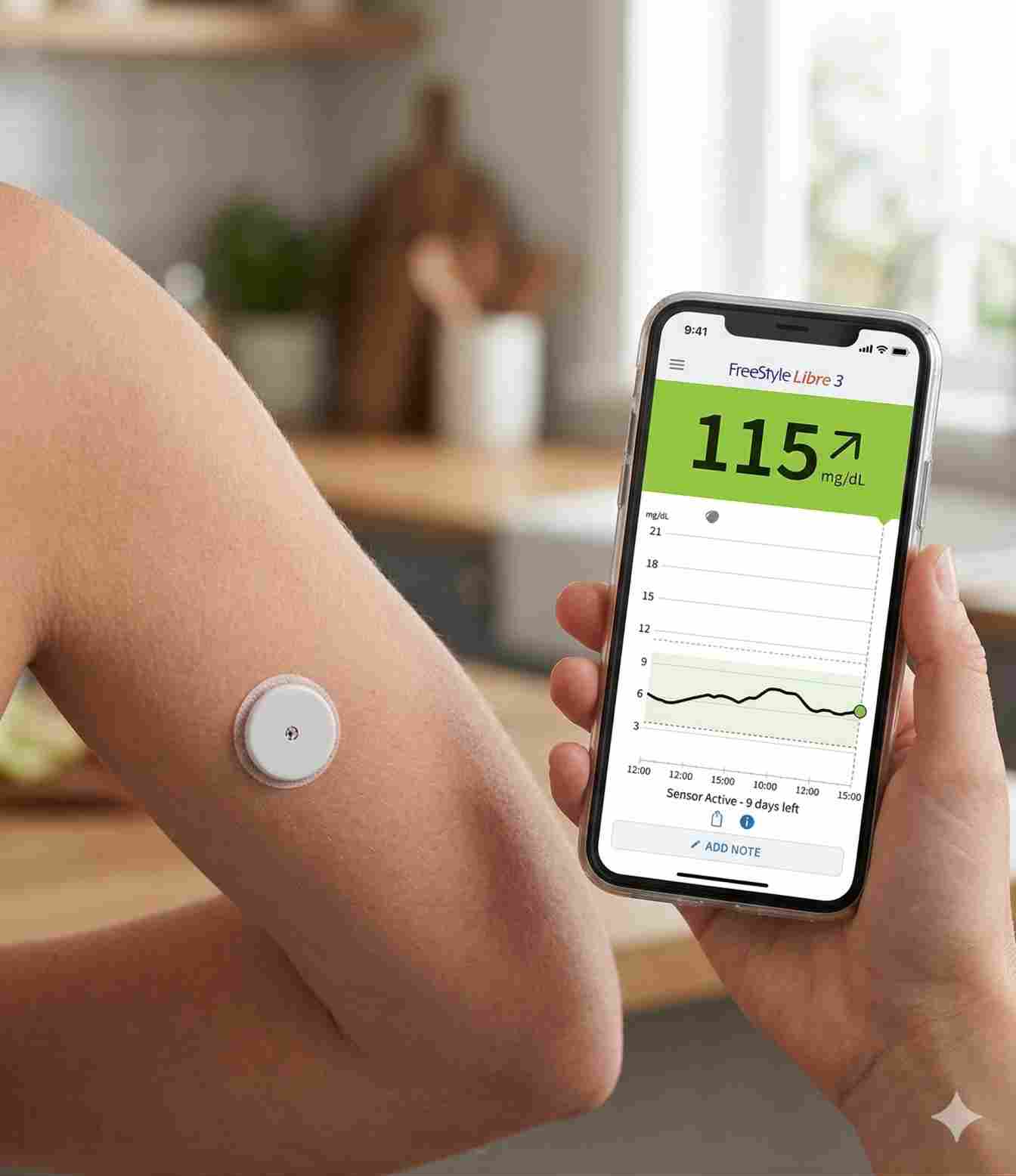
These tiny transmitters send data to your phone constantly. Sometimes, that invisible link breaks. The Freestyle Libre 3 is incredibly accurate, but it still has technical hiccups.
The first step in effective freestyle libre 3 troubleshooting is figuring out what your device is actually complaining about. Error messages confuse a lot of people. Let’s look at what the alerts actually mean for your health management.
Making Sense of Error Messages
When the app beeps, don’t panic. These alerts exist to stop you from dosing insulin based on bad data. Here is what they actually mean.
Common Alerts Breakdown
| Error Message | What Is Happening | What You Should Do Right Now |
|---|---|---|
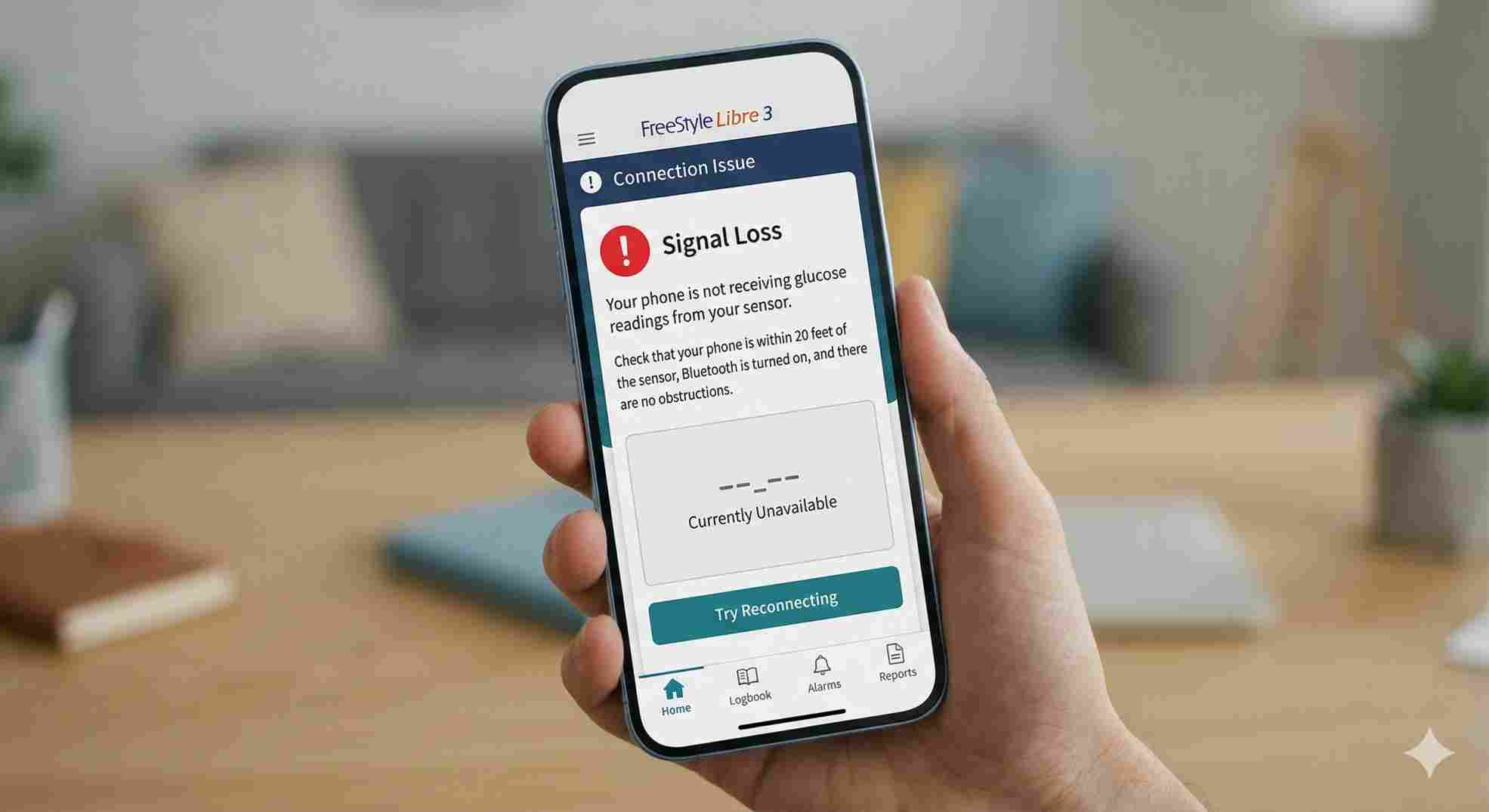
| Signal Loss | Phone is too far away, or Bluetooth disconnected. | Move phone within 33 feet. Check phone settings. |
| Sensor Error | The sensor is adjusting to rapid blood sugar changes. | Wait 10 minutes. Do not remove it. Do a fingerstick if needed. |
| Replace Sensor | The sensor died, fell off, or hit 14 days. | Remove it and put a new one on. Call Abbott for early failures. |
| Alarms Unavailable | Your phone settings blocked the app from sending alerts. | Check notification settings and turn off “Do Not Disturb.” |
 Tackling Freestyle Libre 3 Signal Loss Troubleshooting
Patients hate the “Signal Loss” alarm. It always seems to happen at 2 AM or right when you sit down for dinner. Fixing freestyle libre 3 signal loss troubleshooting usually means adjusting your phone settings. The sensor glued to your arm is rarely the actual problem.
The system needs a constant Bluetooth connection. If that breaks, you get nothing. If you are stuck doing freestyle libre 3 troubleshooting, check these things first:
Check Your Distance: Keep your smartphone within 33 feet of you. As noted in the official Abbott Libre resources, leaving your phone in the kitchen while you walk to the bedroom will cause you to lose the signal.
Toggle Bluetooth: Open your phone settings. Turn Bluetooth off and on. Sometimes software updates turn this off without asking.
Force Quit the App: Swipe the app away completely. Reopen it. This forces the app to look for the sensor again.
Update Your Phone: Old software ruins Bluetooth connections. Update your Apple or Android system immediately.
 Freestyle Libre 3 Reader Signal Loss Troubleshooting
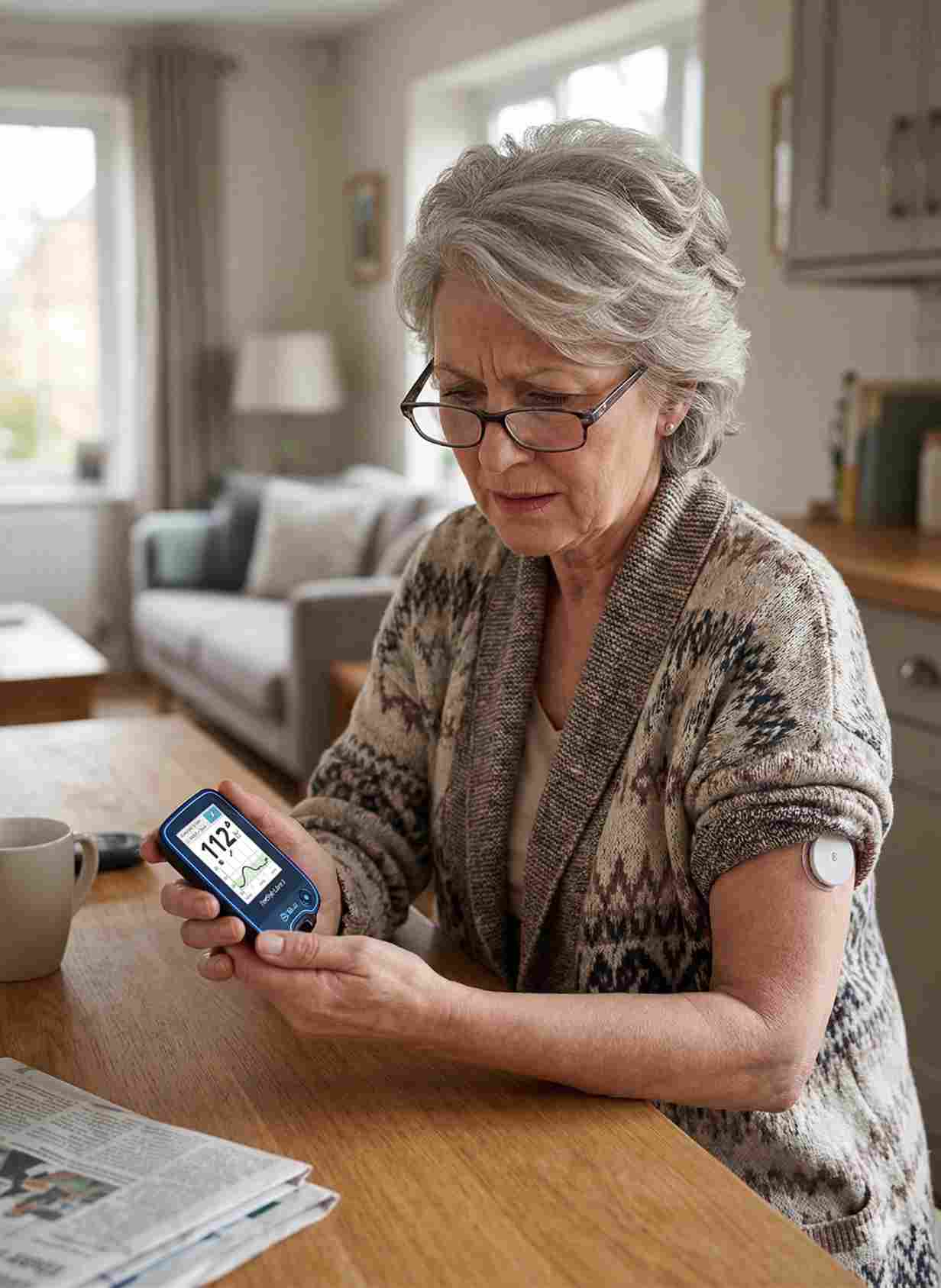
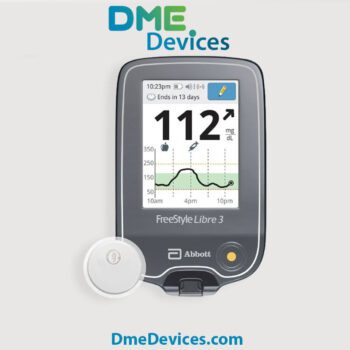
Lots of folks don’t use smartphones for this. They use the dedicated Abbott reader. If you use the medical-grade reader, your fixes look a little different.
Freestyle libre 3 reader signal loss troubleshooting is actually pretty simple. The reader only does one job. It doesn’t have social media apps eating up its memory.
Fixing the Reader Connection
If your reader is dropping the signal, do this:
Move Closer: The reader’s Bluetooth antenna is weaker than an iPhone’s. Keep it within 20 feet of your body.
Charge It Up: Low batteries make the Bluetooth shut down to save power. Plug it into the wall for 30 minutes.
Hard Reboot: Hold the home button down until the screen dies completely. Turn it back on. This forces it to find your sensor again.
Hardware Requirements
| Device | Ideal Distance | Required Settings | What Blocks the Signal |
|---|---|---|---|
| Smartphone | 33 feet | Bluetooth ON, Background Refresh ON | Microwaves, thick walls, smartwatches. |
| Abbott Reader | 20 feet | Battery above 20% | Metal objects, carrying it in a thick purse. |
Fixing Sensor Application Fails
Sometimes the problem happens before you even get a reading. Putting the sensor on wrong guarantees you will be doing freestyle libre 3 troubleshooting for the next two weeks.
The little wire that goes under your skin bends easily. If the sticker doesn’t hold tight, the whole thing misfires.
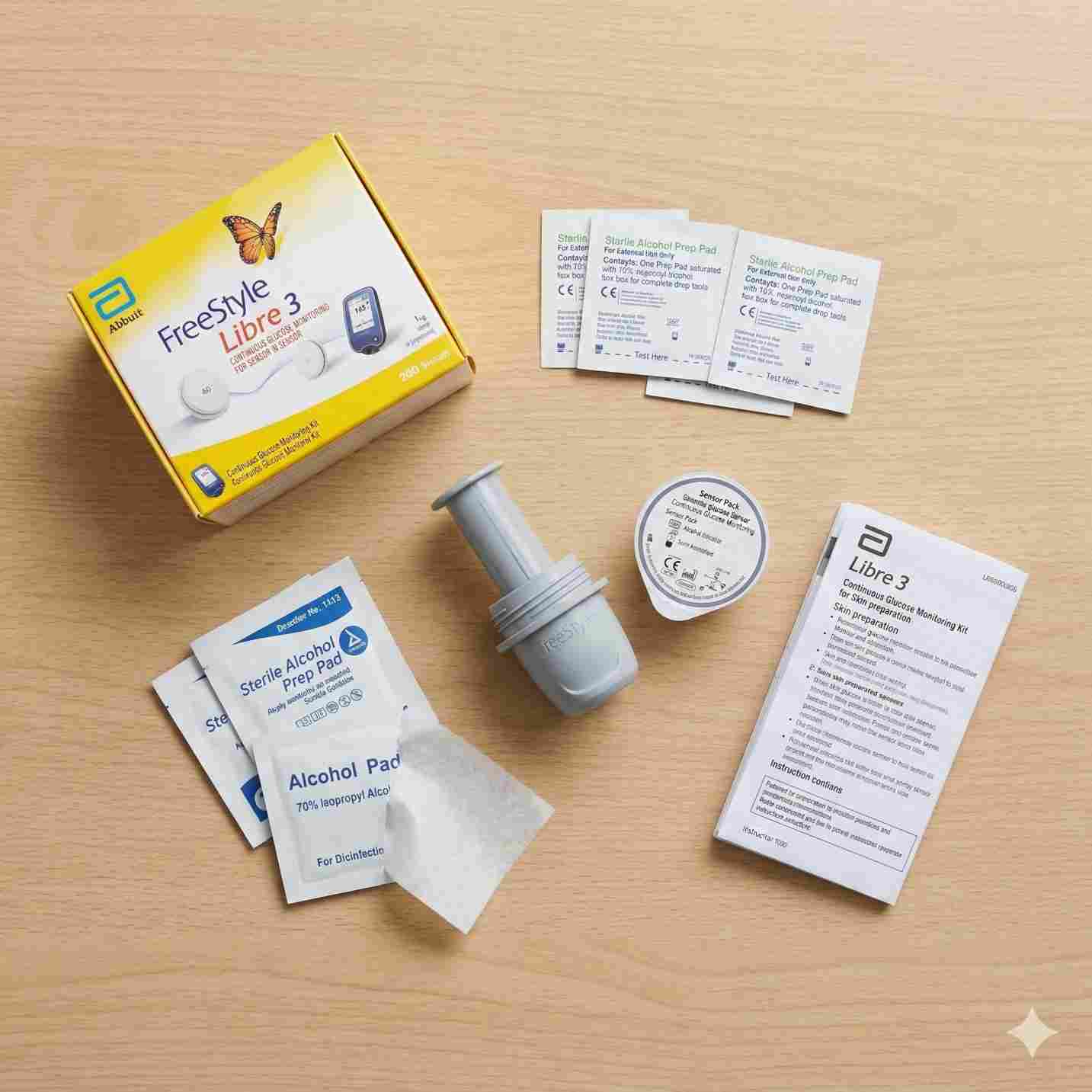
How to Put It On Right
The Right Spot: Back of your upper arm only. Not your stomach. Not your leg.
Wash and Dry: Plain soap and water. Dry it. Then scrub it with the alcohol wipe.
Let It Air Dry: This is the big one. Wait until the alcohol is totally dry. If your skin is wet, the glue fails and the sensor falls off in three days.
Hold It Down: Push the applicator down and hold it there for 10 solid seconds before pulling it away. Give the glue time to grip.
 Dealing with the “Sensor Error” Screen
“Sensor Error” is not “Signal Loss.” Signal loss means they aren’t talking. “Sensor Error” means they are talking, but the sensor thinks your blood sugar is changing too fast to give an accurate number.
Do not take the sensor off. The app usually tells you to wait 10 minutes. Set a timer. Usually, the sensor catches up and starts working again. If you feel dizzy or shaky, wash your hands and prick your finger. Always trust your body over the machine. Doing proper freestyle libre 3 troubleshooting means knowing when to wait and when to test manually.
Important Considerations
| What the Screen Says | What You Do | Why? |
|---|---|---|
| “Sensor Error, wait 10 mins” | WAIT. Check with fingerstick if you feel sick. | The sensor is doing math to catch up to fast blood sugar changes. |
| “Replace Sensor” | REPLACE IT. | The hardware is permanently dead. |
| Sensor is peeling off | REPLACE IT. | The wire is pulled out. The numbers will be totally wrong. |
| You took Tylenol | WAIT. Know that numbers might look high. | Heavy Vitamin C or Acetaminophen messes with the sensor chemistry. |
Tired of Painful Fingersticks and Blind Spots?
Pricking your fingers multiple times a day hurts. Worse, standard blood meters only give you a tiny snapshot of your health. You still have no idea what your blood sugar is actually doing while you sleep, work, or drive. That constant guessing adds massive stress to your daily routine.
It doesn’t have to be this hard. You can completely replace those painful tests with a single, tiny sensor worn on the back of your arm. Continuous Glucose Management (CGM) sends minute-by-minute numbers straight to your smartphone. You see exactly where your glucose is right now, and exactly where it is heading next.
If you are struggling with dropped signals on older gear or just want a better way to manage your health, it is time to upgrade. Switching to the Freestyle Libre 3 Plus gives you an incredibly strong connection and the most accurate readings available on the market. Stop guessing and take total control of your numbers today.
Stopping Glitches Before They Start
Once you fix the issue, you want it to stay fixed. A little routine maintenance goes a long way to prevent future freestyle libre 3 troubleshooting headaches.
Protect the Sensor
Door frames and tight shirts are sensor killers. Buy some over-patches. These are sticky patches made to cover the whole sensor. They lock it down against sweat, water, and bumps from kids or pets.
Fix Your Phone Settings
Phones kill background apps to save battery life. You have to tell your phone to leave the Libre app alone.
No Battery Saver: Never use “Low Power Mode” or “Battery Saver.” It chokes your Bluetooth immediately.
Background App Refresh: Turn this on in your settings for the Libre app.
Allow Critical Alerts: This makes sure your low blood sugar alarms ring loudly, even if your phone is on silent or do not disturb.
 Getting Back to Normal
Dealing with medical gear tests your patience. You just want to live your life. By knowing what these errors mean and fixing your phone settings, you take the control back. Whether you need a quick phone restart or a sticky over-patch, there is always a fix. Keep this guide handy, stay patient with the tech, and you will breeze through your freestyle libre 3 troubleshooting.


Why does my app keep saying signal loss?
You are probably too far away from your phone, or a wall is blocking the Bluetooth. It also happens if your phone puts the app to sleep to save battery life.
How long do I actually wait for a "Sensor Error"?
Wait exactly 10 minutes. The sensor is recalibrating. Do not pull it off. But if you feel sick, dizzy, or low, do a manual fingerstick test right away.
Can I stick a sensor back on if it falls off?
No. Once that tiny wire comes out of your skin, the sensor is garbage. Throw it away. If it didn’t last the full 14 days, call Abbott. They usually mail you a free replacement.
What happens if my phone dies completely?
The sensor keeps recording your numbers inside its own memory for up to 14 days. When you charge your phone and open the app, it pulls all that missing data in via Bluetooth. You won’t lose your charts.
Will Medicare pay for a broken sensor?
According to official Medicare coverage guidelines, Medicare pays for your regular monthly supply. If a sensor breaks early or the glue fails, call the manufacturer directly. They replace faulty ones for free so you don’t have to fight with insurance billing.



Write a comment
Your email address will not be published. All fields are required